


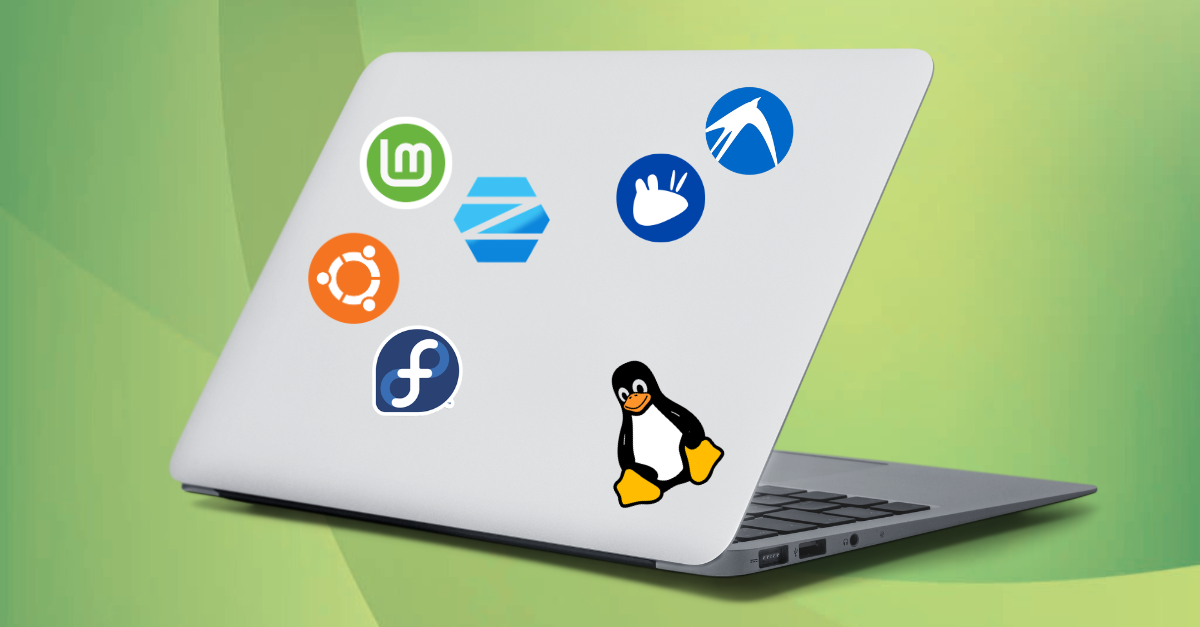
Which Linux distro is suitable for a 2016 laptop?
If you have a laptop purchased around 2016 and are wondering if it’s still worth using, the answer is, in most cases, yes. Even if Windows 11 has hardware and security requirements that exclude many older systems, Linux offers a modern, fast, and free alternative. A suitable Linux distribution can transform a slow laptop into a perfectly functional device for internet browsing, working from home, watching movies, online courses, or even programming.
This guide explains which Linux distribution is recommended for a 2016 laptop, based on its hardware configuration and your experience level. You will also learn about the advantages and limitations of each option, so you can make an informed choice.
Is a 2016 laptop still performant enough?
Most laptops released in 2016 still have enough processing power to run a modern Linux distribution without problems. The most common configurations include Intel Core i3, i5, or i7 processors from the Skylake generation, 4 or 8 GB RAM, and an HDD or SATA SSD. In many cases, the limitation is not the processor, but the mechanical hard disk, which significantly slows down the system.
Even if these specifications are no longer impressive in 2026, they are more than sufficient for most modern Linux distributions. In reality, the biggest factor influencing performance is not the processor, but the presence of an SSD. If your laptop still uses an HDD, replacing it with an SSD will bring a much greater performance gain than changing the distribution.
Why is a Linux distro an excellent choice for older hardware?
Unlike Windows, Linux does not impose requirements such as TPM 2.0 or Secure Boot and can function very well with limited hardware resources.
An important advantage of Linux operating systems is that you can choose the graphical environment based on your laptop’s performance.
For example:
- GNOME offers a modern experience but consumes more resources.
- KDE Plasma is highly customizable and well-optimized.
- Cinnamon offers an interface familiar to Windows users.
- XFCE and LXQt are performance-oriented and suitable for older computers.
Thanks to these options, many laptops considered too slow for Windows can still function very well with Linux.
How to choose a suitable Linux distro?
There isn’t a single perfect Linux distribution for everyone. The choice depends on three main factors:
- hardware configuration;
- user experience;
- type of daily activities.
Below are the best options for a 2016 laptop.
Linux Mint – the best choice for most users
If you’ve used Windows until now and want to try Linux for the first time, Linux Mint is one of the easiest distributions to approach. The Cinnamon interface retains many elements familiar to Windows users, which makes the transition simpler even for those without prior Linux experience.
The application menu, taskbar, and settings organization are intuitive, and most daily operations can be performed using the graphical interface, without needing to use the terminal.
Linux Mint is especially appreciated for its balance between appearance, performance, and stability. It is not the lightest Linux distribution, but it offers a very good compromise for laptops that still have sufficient resources.
Main advantages:
- accessible installation and configuration for beginners;
- familiar interface for users accustomed to Windows;
- reasonable resource consumption;
- stable system, suitable for daily use;
- easy to manage updates;
- large community and rich documentation.
Linux Mint Cinnamon is especially recommended for laptops with:
- Intel Core i3/i5/i7 processor or equivalent AMD;
- minimum 4 GB RAM (8 GB RAM recommended for multitasking);
- SSD for a fluid experience.
For a 2016 laptop with 8 GB RAM and an SSD, Linux Mint Cinnamon is probably one of the most balanced choices: modern enough for current use, but without unnecessarily straining the hardware.
Ubuntu – an ideal Linux distro for compatibility and support
Ubuntu remains one of the most popular Linux distributions due to its mature ecosystem, extensive documentation, and community support. For users transitioning to Linux for the first time, this is very important: almost any problem encountered already has a documented solution.
An important advantage of Ubuntu is its very good hardware compatibility. Drivers for most components of a 2016 laptop are generally recognized automatically after installation.
The standard Ubuntu version uses the GNOME graphical environment, which offers a modern and well-polished experience, but consumes more resources than alternatives like XFCE or LXQt. On a 2016 laptop with an SSD and at least 8 GB RAM, Ubuntu Desktop runs comfortably for usual activities, multitasking, programming, or professional use.
Ubuntu is a suitable choice if:
- you want a well-documented and easy-to-maintain distribution;
- you need good compatibility with applications and development tools;
- you prefer regular updates and versions with extended support (LTS);
- your laptop has a Core i3/i5/i7 processor or equivalent and at least 8 GB RAM for a fluid experience.
For more modest 2016 laptops, with 4 GB RAM or HDD, a lighter variant like Xubuntu or Ubuntu MATE might be more suitable.
Zorin OS – a Linux distro for those who want a Windows-like experience
Zorin OS is one of the Linux distributions that focuses on user experience and reducing the adjustment period. The interface is intuitive for those accustomed to Windows, with a familiar application menu, a similar taskbar, and easy-to-use configuration tools.
On a 2016 laptop with an Intel Core i3/i5/i7 processor, 8 GB RAM, and an SSD, Zorin OS offers a very good balance between appearance, ease of use, and performance. It is not the “lightest” Linux distribution, but it does not aim for that: its goal is to provide a modern experience without the complexity sometimes associated with Linux.
An important advantage is that users can start using the system immediately after installation, without having to learn terminal commands or advanced configurations.
Zorin OS is recommended if:
- you were a Windows user and want the fastest possible adaptation;
- you prefer a modern and well-polished interface;
- your laptop has at least 8 GB RAM and an SSD;
Xubuntu – a Linux distribution for laptops with limited resources
Xubuntu is one of the most suitable distributions for a 2016 laptop with a modest configuration, especially models with 4 GB RAM or Intel Core i3 processors or equivalents.
The distribution uses the XFCE graphical environment, known for its low resource consumption and stability. Compared to more complex graphical environments, XFCE leaves more memory available for daily applications, which can make a difference on a system with limited RAM.
Xubuntu does not try to impress with visual effects or complex animations, but focuses on speed, good responsiveness, and a system that remains usable even on less performant hardware.
Xubuntu is a suitable choice if your laptop has:
- 4 GB RAM;
- older Intel Core i3/i5 processor or equivalent AMD;
- SATA SSD or even HDD, if usage is not intensive;
- need for a stable system for daily use.
For a 2016 laptop with 8 GB RAM and an SSD, Linux Mint Cinnamon or Zorin OS can offer a more visually pleasing experience, without performance being an issue.
Lubuntu – the best choice for modest configurations
Lubuntu is one of the most efficient Linux distributions for computers with limited resources. Unlike distributions focused on visual appearance or integrated functions, Lubuntu prioritizes responsiveness and low memory consumption.
The main advantage comes from the LXQt graphical environment, designed to function with low RAM and processor consumption. On a 2016 laptop with 4 GB RAM, an Intel Core i3 processor or equivalent AMD, and slower storage, the difference compared to a more demanding graphical environment can be observed during system startup, application launch, and simultaneous use of multiple programs.
Lubuntu is especially recommended when the laptop’s configuration starts to be a limitation:
- 4 GB RAM or less;
- entry-level processor;
- modest integrated graphics card;
- HDD instead of SSD;
- desire to obtain the fastest possible system without complicated installations and configurations.
Compared to Xubuntu, Lubuntu goes further in optimizing for performance. The difference is not always significant on a laptop with an SSD and 8 GB RAM, but it becomes important on configurations where memory and processing power are limited.
For a 2016 laptop with a more balanced configuration, such as Intel Core i5/i7 and 8 GB RAM, a distribution like Linux Mint Cinnamon or Zorin OS can offer a better balance between speed and visual comfort.
Fedora – a distribution for users who want the latest Linux technologies
Fedora is a distribution oriented towards users who want quick access to recent versions of the Linux kernel, drivers, and applications. It is often considered a testing platform for technologies that later appear in other distributions, including the Red Hat ecosystem.
Unlike distributions like Linux Mint or Ubuntu LTS, which focus on long-term stability and more conservative changes, Fedora adopts a faster update cycle. This brings advantages for users interested in newer hardware, software development, or the latest Linux features, but also implies more frequent updates.
On a 2016 laptop with an Intel Core i5/i7 processor, SSD, and 8 GB RAM, Fedora Workstation can offer a very good experience. However, the default GNOME graphical environment consumes more resources than alternatives like XFCE or LXQt, so on configurations with 4 GB RAM, there are more suitable options.
Fedora is a good choice if:
- you want recent versions of Linux applications and components;
- you are interested in programming, system administration, or open-source technologies;
- you prefer a modern distribution, even if it requires more frequent updates;
- your laptop has a balanced configuration (ideally 8 GB RAM and SSD).
If you prefer a system that you install, configure once, and then use without frequent updates or major changes, Linux Mint and Ubuntu LTS are more suitable alternatives.
Comparison of the most popular Linux distros
| Distribution | Beginner-friendliness | Resource Consumption | Minimum RAM |
|---|---|---|---|
| Linux Mint | Excellent | Medium | 8 GB RAM |
| Ubuntu | Very good | Medium-high | 8 GB RAM |
| Zorin OS | Excellent | Medium | 8 GB RAM |
| Xubuntu | Good | Low | 4 GB RAM |
| Lubuntu | Good | Very low | 4 GB RAM |
| Fedora | Medium | Medium | 8 GB RAM |
HDD or SSD? The difference is huge
Many users believe that changing the operating system will solve all performance problems.
In reality, if the laptop still uses a mechanical HDD, this is the main factor slowing down the system.
An SSD can reduce startup time from over a minute to less than 20 seconds and significantly speed up application launch. Even the most optimized Linux distribution cannot completely compensate for the limitations of a mechanical hard disk.
If the budget allows for only one investment, replacing the HDD with an SSD is usually the most cost-effective upgrade.
Is it worth installing a Linux distro instead of Windows?
For many 2016 laptops, switching to Linux can be a very good solution, especially when the system has become slow, no longer receives support for certain Windows versions, or the hardware does not meet the requirements for Windows 11.
A well-chosen Linux distribution can provide a fast and stable experience, using available resources more efficiently. In many cases, a laptop that seems outdated can become useful again for daily activities.
The main advantages of switching to Linux are:
- lower consumption of hardware resources, especially on performance-optimized distributions;
- free updates and greater control over when they are installed;
- a good level of security due to the permissions model and active development community;
- very good compatibility with older hardware;
- the possibility of extending the laptop’s lifespan without major investments.
However, migrating to Linux is not the right choice for every user. If you depend on applications exclusively available for Windows, certain professional programs, or games that do not have Linux support, it is recommended to check compatibility before installation.
For most users who use their laptop for usual activities, Linux can represent a modern and efficient alternative to Windows.
Frequently Asked Questions (FAQ)
Can I install Linux on a 2016 laptop with 4 GB RAM?
Yes. Distributions like Xubuntu or Lubuntu work very well with this amount of memory, and the experience will often be smoother than in Windows.
Is Linux faster than Windows on an old laptop?
In most cases, yes. Linux consumes less RAM and fewer background resources, which makes it more suitable for older laptops.
Which distribution is best for a beginner?
Linux Mint is generally the most recommended choice due to its intuitive interface, stability, and active community.
Is an SSD necessary?
It is not mandatory, but it is the most important upgrade you can make. The performance difference is considerable, regardless of the Linux distribution chosen.


