The best free private web browsers in 2026
Besides being a fundamental human right, online privacy is no longer a mere bonus; it has become a necessity. Every website, every script, and every online service can try to identify you and track your behavior, even if you do not accept or block traditional cookie storage. Techniques such as fingerprinting, telemetry data collection, or cross-site tracking can compromise personal data even when you are not logged into accounts or using advertising services. This article presents the best private web browsers in 2026, explaining how each protects against these threats and relevant technical details for privacy-conscious users.
What real privacy protection means
In addition to incognito mode or private browsing, a privacy-focused browser must:
- Block trackers and fingerprinting – without cookies, sites can combine dozens of details about your device to create a unique fingerprint.
- Minimize or eliminate telemetry – usage data can be sent to the browser manufacturer if not disabled.
- Isolate and control extensions – some extensions can destroy protection if they request excessive permissions.
- Integrate advanced protections – such as blocking WebRTC vulnerabilities or protections against cross-site tracking.
Top 5 free web browsers in 2026
1. Brave – Solid protection by default
Why it’s excellent: Brave offers robust protection against trackers, ads, and, crucially, against fingerprinting and telemetry without any additional configuration. Its “Brave Shields” system blocks browser fingerprinting detection and many tracking scripts by default.
How it works:
- Blocking trackers and tracking scripts as soon as you open a site.
- Fingerprinting mitigation – reduces fingerprint uniqueness through randomization techniques and blocking identification sources.
- “Brave Shield” details what element was blocked for each site.
Strength: you don’t need additional extensions for solid protection, and the functionalities are enabled out of the box.
2. LibreWolf – Similar to Firefox but “cleaned” for privacy
Why it’s worth it: LibreWolf is a fork of Firefox, but with telemetry completely disabled, WebRTC blocked, and many privacy settings fortified.
Key features:
- Advanced blocking of trackers and cookies.
- WebRTC disabled and strict restrictions on local storage.
- Telemetry removed at code level, not just disabled through settings.
When to choose it: If you want a browser that collects absolutely nothing about usage and has aggressive privacy settings right from installation.
Mullvad Browser – synergy between VPN and browser
What sets it apart: Created in collaboration with the Tor project, Mullvad Browser focuses on isolating sessions and generating a consistent fingerprint only between your sessions, but not on anonymization through the Tor network.
Key protections:
- Fingerprint Locking – the same consistent fingerprint for separate sessions.
- No telemetry and no data collection.
- Aggressive local sandbox and site isolation.
Recommended for: Users who already use a VPN and want maximum protection without compromising speed.
4. DuckDuckGo Private Browser – simplicity and mobile privacy
Strength: Variety of platforms (Android, iOS, Windows, macOS) and integration with the privacy-focused DuckDuckGo search engine.
Protection features:
- Blocks trackers and unnecessary scripts.
- Forces HTTPS connections when possible.
- Default private mode on many platforms.
Ideal for: Mobile private browsing without hassle.
5. Epic Browser – “privacy by default”
Link: https://www.epicbrowser.com
Main features:
- Completely private browser – automatically deletes data on exit.
- Blocks cookies, trackers, and Google telemetry.
- Includes an optional encrypted proxy for extra protection.
Epic is a solid choice if you want clean browsing without advanced configurations.
Technical protection: what do these private web browsers do?
Modern browsers can implement anti-fingerprinting techniques by:
- Randomizing or uniformizing the fingerprint – reducing the chances that collected IDs are unique.
- Blocking WebRTC and unnecessary plugins – WebRTC leaks the real IP address even if you use a VPN.
- Isolating cookies and site storage – to prevent tracking via persistent cookies.
The best private web browsers are also free
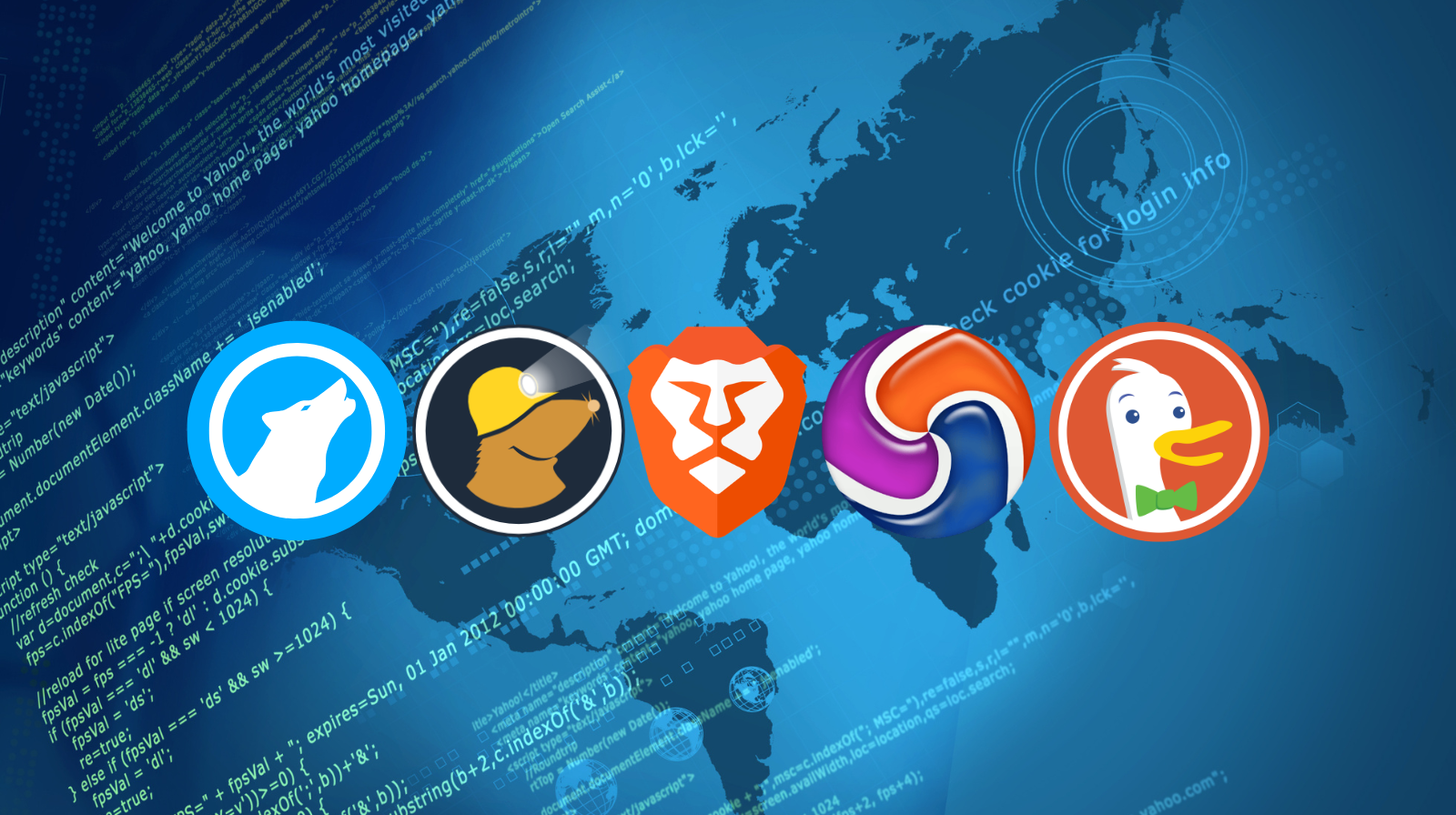
In 2026, choosing the right browser for privacy is no longer optional for users concerned about online security. Browsers like Brave, LibreWolf, Mullvad Browser, DuckDuckGo Private Browser, and Epic Browser offer significant levels of protection against tracking, telemetry, and fingerprinting without the need for complex plugins. All of these are free.
So, if you want maximum protection with good default settings:
Brave or LibreWolf.
If you want anonymity with VPN and strict protection:
Mullvad Browser.
For ease of use (including on mobile):
DuckDuckGo Private Browser.
For an “all-in-private” approach:
Epic Browser.