Motherboard – the main components and the role of each element
The motherboard is one of the most important components of a computer. It serves as the main platform to which all other hardware elements are connected, allowing communication and proper functioning of the system. If you want to understand how a computer works or intend to build your own PC, it is essential to know what components a motherboard has and what role each one plays.
In this article, you will discover the main components of the motherboard and how they contribute to the performance and stability of a computer system.
What is the motherboard?
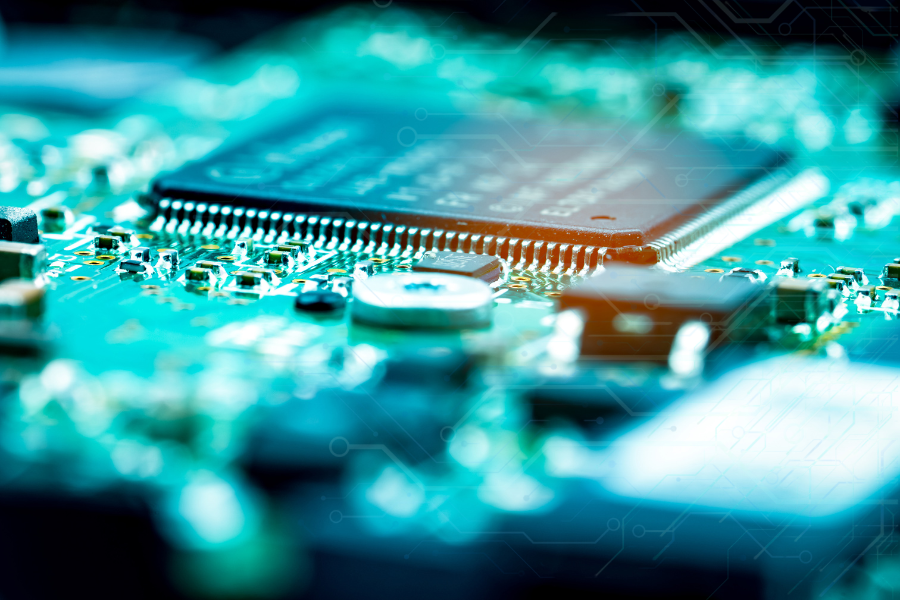
The motherboard is the main circuit of a computer. It connects all hardware components: the processor, RAM, graphics card, storage devices, and peripherals. Essentially, it coordinates communication between all these components and distributes the electrical power necessary for their operation.
Without a functional motherboard, the other components of the computer would not be able to communicate with each other.
Main components of the motherboard
1. CPU Socket
The CPU socket is where the processor (CPU) is mounted. It is designed to support a specific type of processor and determines compatibility between the motherboard and the CPU.
There are different types of sockets, and choosing the correct one is essential when building or upgrading a PC.
2. Chipset
The chipset is one of the most important components of the motherboard. It manages the flow of data between the processor, RAM, storage devices, and other peripherals.
The chipset directly influences system performance, the number of available ports, and the types of supported technologies such as PCIe, USB, or SATA.
3. RAM Slots
The RAM slots are the locations where memory modules are installed. RAM is responsible for temporarily storing data that the processor uses quickly during system operation.
Most modern motherboards have between 2 and 4 RAM slots, and the maximum capacity depends on the motherboard model and chipset.
4. Expansion Slots (PCI Express)
PCI Express slots allow the installation of additional components, such as:
- graphics cards
- sound cards
- network cards
- NVMe SSDs
These slots are essential for expanding the capabilities of the computer and improving system performance.
5. The motherboard and storage devices
The motherboard includes connectors for connecting storage devices:
- SATA – used for HDDs and traditional SSDs
- M.2 – used for modern NVMe SSDs, which are much faster
These connections allow for the storage of the operating system, programs, and personal files.
6. BIOS or UEFI Firmware
The BIOS (or modern version UEFI) is the firmware of the motherboard. It starts the computer and checks the functionality of hardware components before loading the operating system.
Additionally, the BIOS allows for the configuration of important settings, such as boot order, RAM frequency, or processor settings.
7. Power Connectors
To function, the motherboard must be powered. This includes special connectors for:
- motherboard power (24 pins)
- processor power (4 or 8 pins)
Without these connections, the system cannot start.
8. I/O Ports (Input/Output)
The I/O ports are located on the back of the motherboard and allow for the connection of external peripherals, such as:
- keyboard
- mouse
- monitor
- USB devices
- network cable.
These ports are essential for user interaction with the computer.
Why is the motherboard important in a computer?
The motherboard is the central element of any computer, responsible for connecting and coordinating all hardware components. From the CPU socket and RAM slots to the chipset, storage connectors, and external ports, each component plays a vital role in the functioning of the system.
Understanding the components of the motherboard can help you better choose hardware, build a high-performance PC, and make effective upgrades in the future.