How to test Linux in the browser, without local installation
Have you ever wondered how you can try Linux without installing it on your PC? In 2026, testing a Linux distribution is easier than ever, as there are solutions that allow you to run Linux in the browser, without touching partitions or installing virtual machines.
One of the most well-known tools is distrosea.com, an online service that gives you instant access to various Linux distributions directly in the browser. In this article, we explain why this option is useful, how it works, and what advantages it brings you in 2026.
Why test Linux in the browser, without local installation?
Traditionally, if you wanted to try a Linux distribution, you had to:
- install Linux on real hardware,
- use a virtual machine (e.g., VirtualBox),
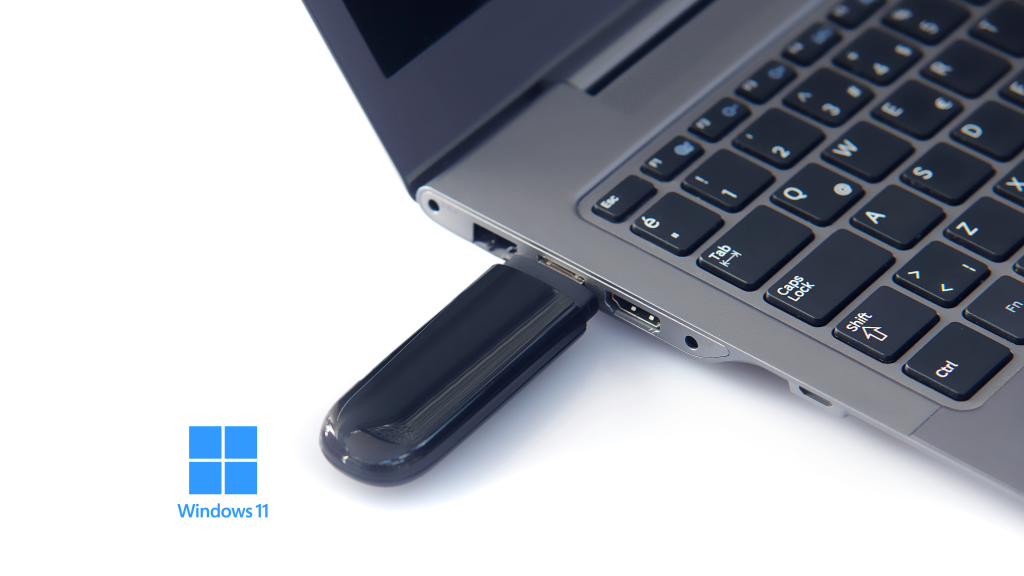
- boot from a live USB.
These methods can be difficult for beginners or for those who just want to “take a look” at a Linux distribution. Testing in the browser solves all these problems:
- No modified partitions – you don’t risk your disk data;
- No complex setup – you don’t install additional software;
- Instant access – everything happens in the browser;
- You can test multiple distributions quickly.
What is DistroSea and how does it work?
DistroSea is a web platform that offers a collection of live Linux images, which can be run directly in the browser. Basically, all you need to do is:
- access the website distrosea.com
- choose a Linux distribution (e.g.: Ubuntu, Fedora, Arch, Debian),
- start the Linux session in the browser,
- begin exploring the interface and applications.
The platform uses cloud virtualization technologies, allowing you to run a fully functional Linux environment without local installation.
Advantages of testing Linux in the browser
Ideal for beginners
If you are new to Linux, there is no need to install the operating system on your laptop or PC. You can test the interface, package manager, or applications directly from the browser.
Quick testing of multiple distributions
Want to see how Ubuntu, Kali Linux, Fedora, or Mint differ? In a few seconds, you can switch from one distribution to another.
No risks for data
Testing Linux in the cloud means that your personal data and local operating system remain intact.
Complete experience in the browser
It is not just a simulation. You have access to the terminal, file manager, and many Linux applications directly in the browser window.
Which Linux distributions can you test
On distrosea.com, you can find 84 Linux distributions, among which we highlight:
- Ubuntu – popular for beginners;
- Debian – stable and robust;
- Fedora – with cutting-edge technologies;
- Arch Linux – for advanced users;
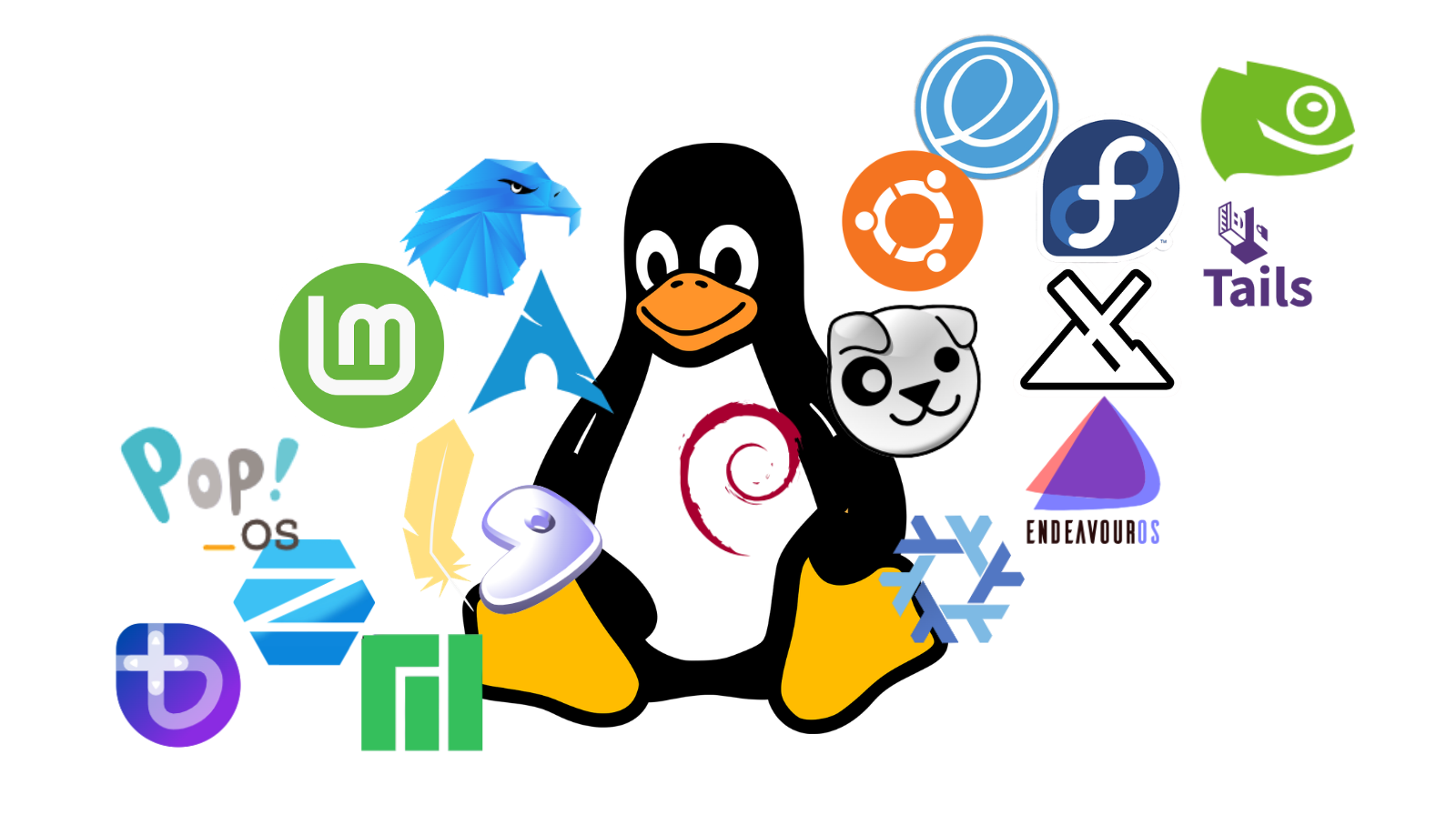
- Other popular distributions like Kali Linux, Manjaro, Pop!_OS.
Each distribution offers a unique experience, and testing directly in the browser helps you decide which one suits you before any installation. Whether you are curious to try a new operating system, want to learn Linux commands, or test open-source software, DistroSea is a quick and risk-free solution.