How to choose the computer suitable to your needs?
Choosing a computer suitable for your needs can be difficult if you do not understand the differences between configurations, specifications, and the role of each component. On ComputerShop.eu, you will find a variety of computers (PCs) from refurbished and second hand models to new systems and configurations dedicated to gaming or office work.
This guide helps you identify what type of PC suits you based on your needs: for home, work, or gaming and explains important concepts such as processor, RAM, SSD vs HDD storage, and graphics card in simple terms.
Start with the purpose: how will you use the new computer?
The most important question before buying a PC is: what will I use it for?
- Home: browsing, movies, social media, Office applications, video conferencing.
- Work/office: documents, business applications, multitasking, productivity requirements.
- Gaming: modern games, high graphics, constant FPS.
On ComputerShop.eu, you will find dedicated categories for PCs with Intel Core i3, i5, or i7 processors, including refurbished options with SSD or HDD and packages with monitor included.
1. Processor (CPU): the “brain” of the computer
The processor is one of the most important components. Without a suitable processor, the rest of the system cannot function optimally.
What to look for:
- Number of cores and threads: more cores mean more power for multitasking and complex applications.
- Frequency: indicates the base and boost speed of the CPU – the higher it is, the faster tasks are executed.
- Processor generation: newer processors are more efficient and faster, even if the raw specifications are similar.
Recommendations:
- Home / Office: Intel Core i3 or i5 from recent generations are sufficient.
- Gaming: Intel Core i5 or i7 offers the ideal balance between performance and price.
- Workstation / complex tasks: a more powerful CPU and/or one with more cores is advantageous.
2. RAM – multitasking without bottlenecks
RAM determines how well the PC performs when running multiple programs simultaneously.
How many GB of RAM do you need?
- 8 GB RAM: enough for general use (internet, movies, office applications).
- 16 GB RAM: advanced multitasking and modern gaming.
- 32 GB RAM +: useful for video editing, graphic design, or professional applications.
On ComputerShop, you will find many PCs equipped with 8 GB DDR4 RAM, which is a good starting point for most users. Of course, you can optionally select an upgrade to 16 or 32GB RAM for most systems, right from the dedicated system page.
3. SSD vs HDD – the speed with which your new computer accesses data matters
Upgrading from a traditional hard drive (HDD) to an SSD (Solid State Drive) is probably the most important upgrade for system speed.
Essential differences:
- SSD: fast system boot, applications opening instantly, fewer delays.
- HDD: more storage space at a low price, but reduced speeds.
On ComputerShop, you will find many refurbished PCs equipped with 256 GB SSD or 512 GB, ensuring a smooth system for regular tasks and multitasking.
Recommendation: Choose a PC with SSD for your operating system and main programs. An additional HDD can be useful for storing larger files and databases.
4. Graphics card (GPU) – essential for a gaming dedicated computer
If you are not interested in gaming, the integrated graphics card in the processor is often sufficient. However, if you want performance in modern games:
- Look for PCs with a dedicated graphics card (e.g., NVIDIA or AMD) – these offer significantly better visual performance.
- Entry-level graphics cards are good for casual gaming, while more powerful models render modern titles at high details.
5. A refurbished or second hand computer – a smart choice
On ComputerShop, you will find numerous refurbished PCs and second hand computers: models like HP ProDesk, Dell OptiPlex, or Fujitsu Esprimo with Intel Core processors and included SSDs.
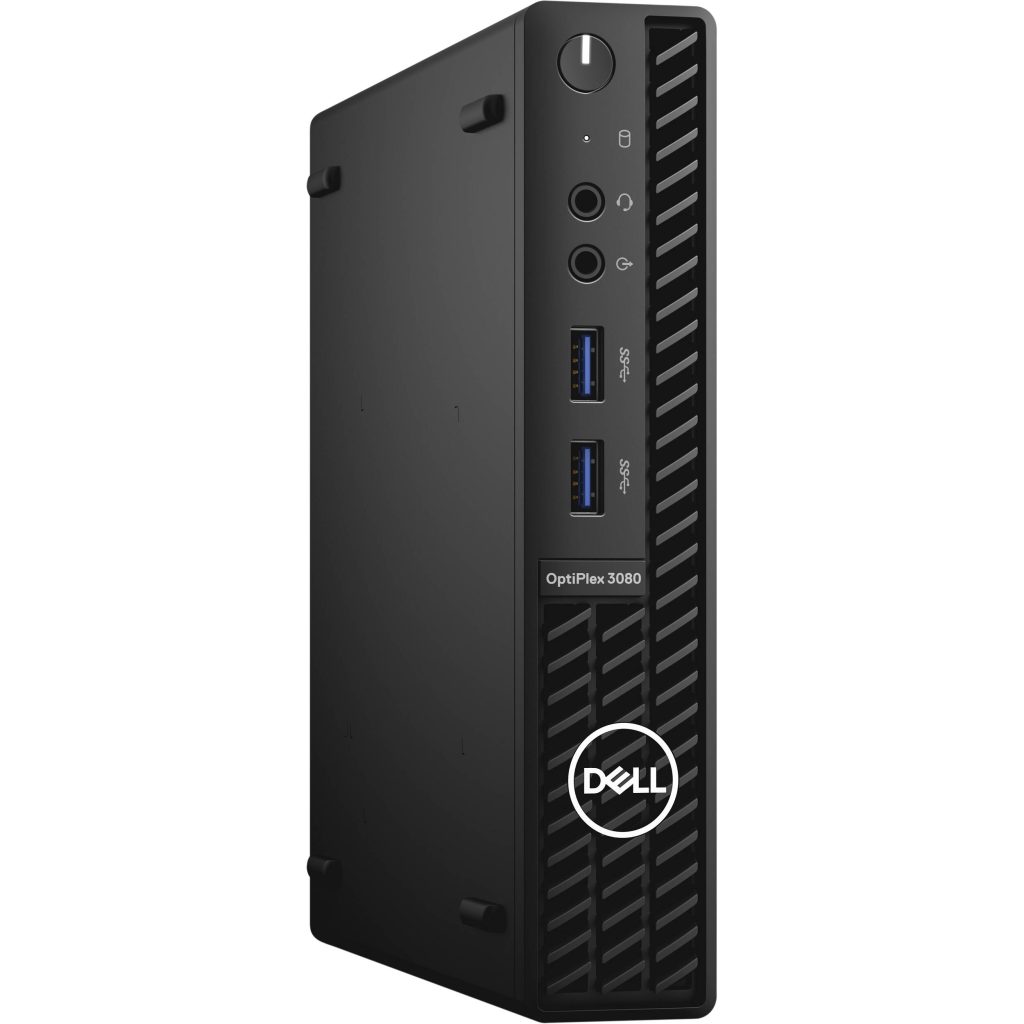
These systems offer:
- much more affordable prices than new equivalents;
- various configurations for different needs (office, home, multimedia);
- often complete packages with monitor included.
These options can be ideal if you want a functional and reliable PC without paying the price of a new system.
Conclusion: choose a computer based on needs, not just price
Whether you are getting a PC for home, work, or gaming, the key is to choose a configuration that balances:
- powerful processor,
- sufficient RAM,
- fast storage (SSD),
- and, if necessary, dedicated graphics card.
By exploring the Computers category, you can compare specifications and prices to find the right system for your budget and usage style.