Frequent Mistakes When Buying a Cheap Laptop
Buying a cheap laptop seems, at first glance, an ideal solution for students, pupils, or users who need a device for basic tasks. However, the low price may hide significant compromises that affect performance, durability, and long-term user experience. In this article, we analyze the most common mistakes made when buying a cheap laptop and explain how to avoid them to make a correct and efficient choice.
1. Choosing a cheap laptop with a weak processor
One of the most common mistakes is purchasing a laptop with an outdated entry-level processor. Very cheap models are often equipped with old processors or extremely limited performance, which can quickly become an obstacle even for simple tasks like browsing the internet or editing documents.
What to check:
- the processor generation
- the frequency and number of cores
- performance scores for daily use.
A cheap laptop with a slightly better processor will last longer over time and provide a much smoother experience.
2. Insufficient RAM
Many users underestimate the importance of RAM when buying a cheap laptop. Models with 4GB RAM can quickly become slow, especially in the context of modern applications and browsers that consume more and more resources.
Recommendation:
- at least 8GB RAM for daily use
- upgradeability is a major advantage.
A laptop with insufficient RAM will seem slow even when the hardware is relatively new.
3. A cheap laptop with slow or insufficient storage
Another common compromise is choosing a laptop with traditional HDD storage instead of SSD. Although the HDD reduces the initial cost, the impact on boot speed and response time is significant.
What to choose:
- SSD, even with a smaller capacity
- at least 256GB for a good balance between price and space.
A cheap laptop with an SSD will be much faster and more enjoyable to use.
4. Cheap laptop with poor quality display
The quality of the display is often overlooked, but it can seriously affect visual comfort. Cheap laptops often come with TN panels, low resolution, and poor brightness.
Important features to look for:
- Full HD resolution (1920×1080)
- display IPS for good viewing angles
- decent brightness for daily use.
A poor display tires the eyes and can lead to a frustrating experience.
5. Laptop with poor build quality and materials
To cut costs, manufacturers use cheap materials, which can lead to fragile hinges, uncomfortable keyboards, or cases that deteriorate quickly.
Check:
- the rigidity of the case
- the keyboard feedback
- the model’s reputation in reviews.
A well-built cheap laptop is a safer investment in the medium term.
6. Reduced battery life
Many buyers focus solely on price and ignore battery life. Cheap laptops may have small batteries or ones that degrade quickly.
What to watch for:
- real battery life of at least 5–6 hours
- the energy efficiency of the processor.
A weak battery limits the portability and daily utility of the laptop.
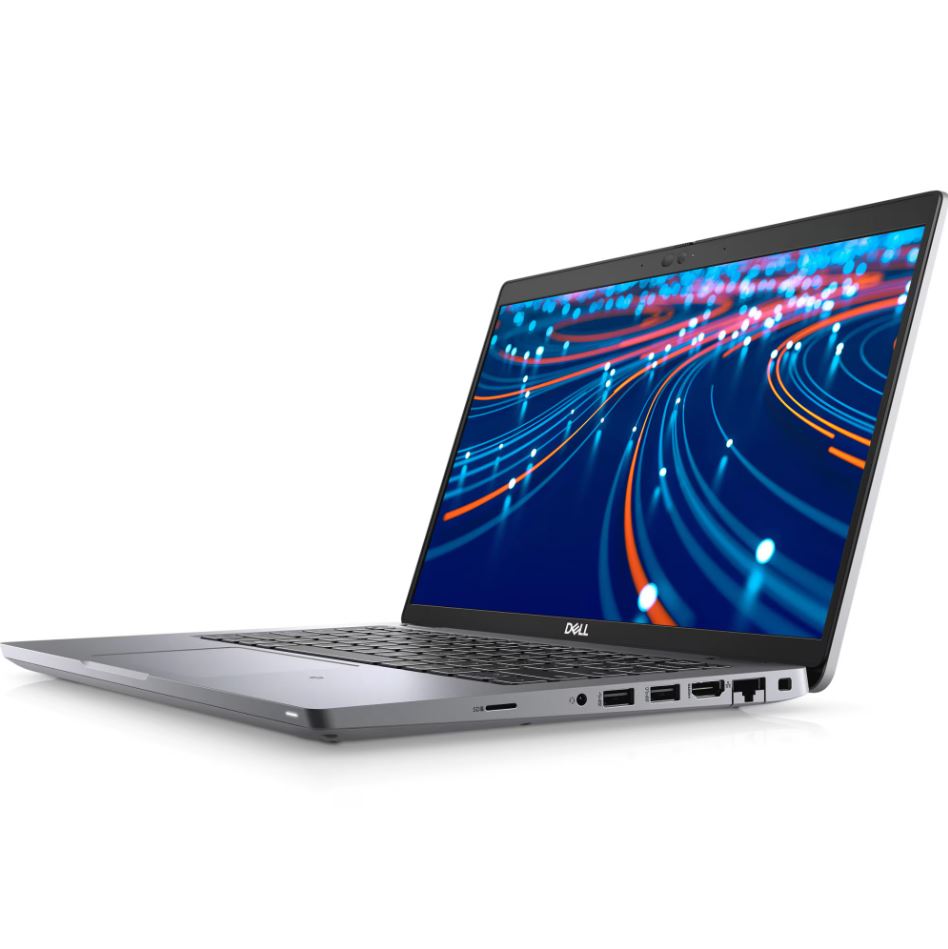
7. Lack of ports and modern connectivity
To cut costs, some models eliminate essential ports or use outdated technologies.
Check for the presence of:
- sufficient USB ports
- an HDMI or Display port
- modern Wi-Fi and Bluetooth
A cheap laptop, but limited in terms of ports, can incur additional costs for adapters.
8. Neglecting second-hand or refurbished alternatives
A common mistake is ignoring second-hand laptops or refurbished laptops. These can offer significantly better specifications for the same budget.
Advantages:
- better performance
- superior build quality
- better price/value ratio.
For many users, this option is more advantageous than a new but very weak laptop.
Conclusion
Buying a cheap laptop is not wrong in itself, but rash decisions can lead to dissatisfaction and additional expenses. By avoiding these common mistakes when buying a cheap laptop, you can choose a model that meets your real needs, is reliable, and offers a good price-performance ratio.
Before purchase, carefully analyze the specifications, read reviews, and consider alternatives that provide more value for the same budget.