Secure Boot in Windows: April 2026 Update
The security of the operating system is more important than ever, and Microsoft continues to enhance the protection of users of Windows 11 and Windows 10. One of the most important security features is Secure Boot, an essential mechanism that protects the computer against bootkit malware, a dangerous threat that activates even before the operating system starts.
What is Secure Boot and why is it important?
Secure Boot is a feature built into the system firmware (UEFI) that allows only trusted software components to start. Essentially, it blocks any malicious code that attempts to run at PC startup. Unlike traditional antivirus solutions, this protection acts before Windows is loaded, thus providing an additional layer of protection.
This functionality becomes even more important in the context of older Secure Boot certificates set to expire in June. If they are not updated, your system may become vulnerable.
News: how to check Secure Boot status in Windows
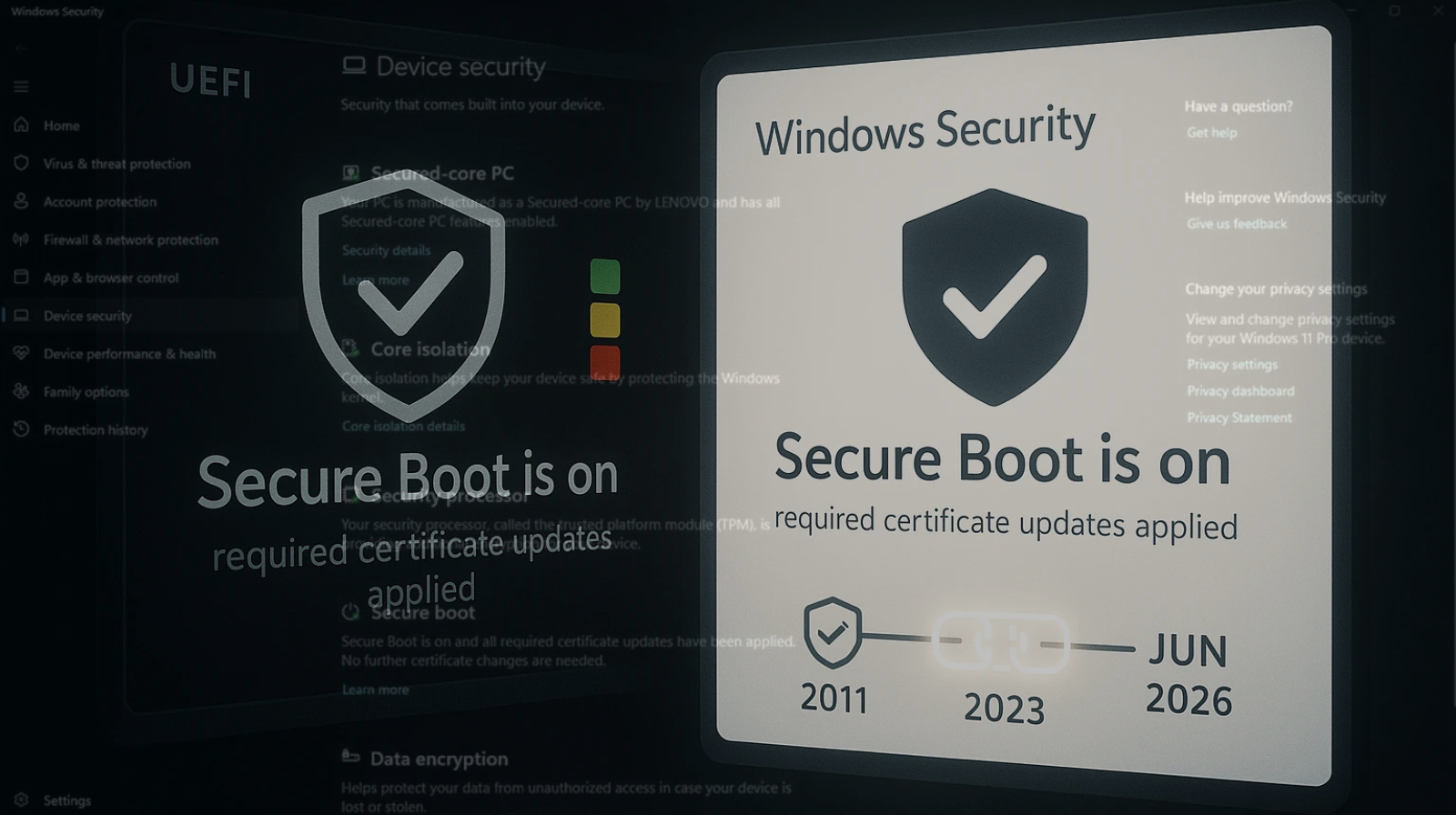
With the April updates (Patch Tuesday), Microsoft introduced a simple and visual method to check the security feature’s status directly from the system.
How to access the information:
- In Windows 11: Settings → Privacy & Security → Windows Security → Device Security
- In Windows 10: Settings → Update & Security → Windows Security → Device Security
After that, scroll down to the Secure Boot section.
Meaning of the colors
Microsoft has implemented a visual indicator system to simplify understanding the status:
- Green – The system is protected, no actions needed
- Yellow – There are security recommendations
- Red – Immediate intervention is required.
However, even if you see the green color, it does not automatically mean that everything is perfect. The message associated with the icon provides additional details.
For example:
- A system may display green but use old certificates that require updating
- A fully updated system will confirm that all necessary certificates are installed.
How to update Secure Boot certificates
To ensure that your PC is fully protected, you need to install the latest Windows updates.
Simple steps:
- Access Windows Update from Settings
- Click on “Check for updates”
- Install all available updates
- Restart the system and check Secure Boot again.
Updating the certificates is essential because, after the old ones expire, the feature will no longer be able to effectively protect the system.
April updates
In addition to improvements made to this feature, the recent updates also include an impressive number of security fixes:
- 164 vulnerabilities resolved
- 8 critical issues
- 2 zero-day vulnerabilities.
These figures highlight how important it is to keep your system updated. Security experts recommend immediate installation of these patches to avoid major risks.
Secure Boot is an essential component for your PC’s security, and updating the certificates is not optional but a necessity. The new features introduced by Microsoft make it easier to check the status, but the final responsibility lies with the user.
If you are using Windows 10 or Windows 11, make sure you have installed the latest updates and periodically check the Secure Boot status. In an increasingly dangerous digital landscape, prevention is the best form of protection.
Source: microsoft.com