Gemini and WhatsApp turn your phone into an AI assistant
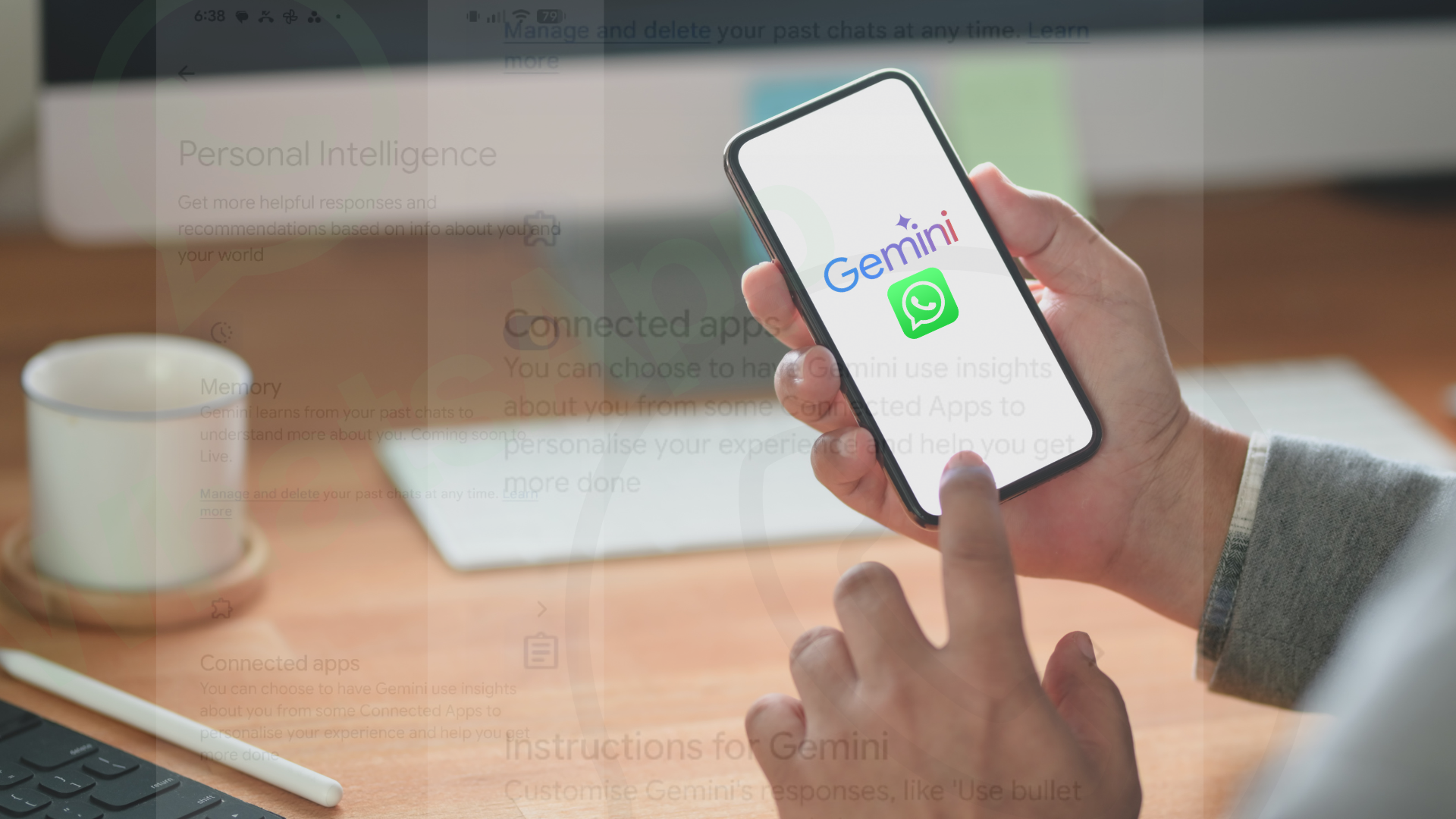
More and more Android users are discovering a Gemini feature that allows artificial intelligence to connect to WhatsApp. This connection between Gemini and WhatsApp transforms the Android phone into a true AI personal assistant.
Thus, from a chatbot capable only of answering questions, Gemini becomes an assistant that can perform real actions: send messages, initiate calls, and manage interactions directly from the applications used daily.
According to the publication Android Police, the experience becomes considerably smoother after activating the dedicated WhatsApp extension. Instead of manually opening the app, searching for the contact, and typing the message, you can use natural voice commands like “send a message on WhatsApp to Florin” or “call Mihaela on WhatsApp.”
How the interaction between Gemini and WhatsApp works
Google has officially confirmed that Gemini can interact with WhatsApp for Android through dedicated extensions. Users can dictate messages, initiate calls, and ask the AI to draft texts before sending.
The process is relatively simple:
- Install the Gemini app on Android.
- Activate Gemini as the default assistant.
- Grant permissions for WhatsApp.
- Activate the integration in the “Apps” or “Extensions” section.
After setup, commands can be executed by voice or text. For example:
- “Send on WhatsApp: I’ll arrive in 10 minutes.”
- “Call Vlad on WhatsApp.”
- “Write a more formal message for my colleagues.”
This type of interaction moves AI from the conversational area to practical automation, which is why many users consider the feature truly “revolutionary”.
Why this AI feature is important
Until now, most virtual assistants provided informative answers but had limitations when it came to real actions in applications outside their own ecosystem. Gemini tries to overcome this barrier.
In practice, the integration with WhatsApp reduces the time needed for repetitive tasks:
- quick response to messages;
- hands-free calls;
- automatic drafting of texts;
- multitasking while walking or driving.
For users who frequently communicate on WhatsApp, the difference becomes significant. Instead of constantly switching between apps, the AI executes commands directly from the Android interface.
Privacy risks
Risks exist, and this is one of the most discussed topics in tech communities. Google states that Gemini cannot directly read the complete history of conversations in WhatsApp, but it can interact with notifications and messages sent through user commands.
However, in recent months, discussions have arisen about expanding Gemini’s access to apps like WhatsApp, Phone, and Messages even when certain activity settings are turned off.
Several Reddit users have reported inconsistent results or issues interpreting commands, indicating that the integration is still in a maturation phase.
For this reason, it is recommended to:
- check the permissions granted to Gemini;
- disable unused extensions;
- avoid sensitive commands in public contexts;
- monitor notifications and activity logs.
The interaction between Gemini and WhatsApp is just the beginning
This interaction is just the beginning. Google is preparing for a broader transition in which Gemini will gradually replace Google Assistant and become the center of the Android experience. This means that artificial intelligence will no longer be just a tool that provides answers but a software layer capable of controlling applications and phone functions.
For regular users, the main advantage is speed and automation. For the tech industry, however, the real stake is different: transforming the smartphone into an ecosystem constantly assisted by artificial intelligence.
The integration of Gemini into WhatsApp is likely the first concrete example showing what this new generation of AI assistants will look like.
Source: androidpolice.com