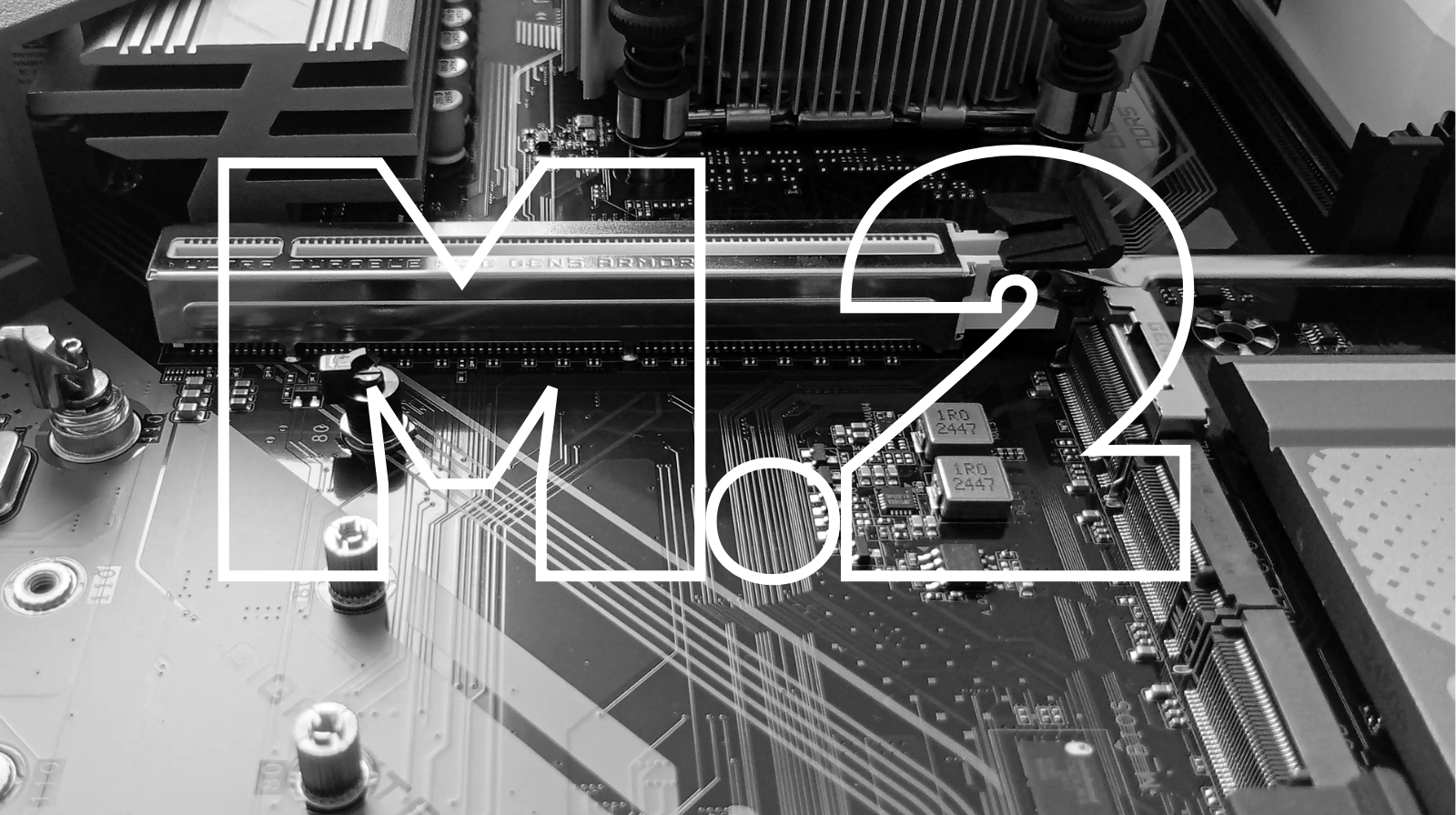
What are the M.2 slots on the motherboard?
In recent years, storage technology has evolved rapidly, and M.2 slots have become an essential standard for any modern system. If you are building a PC or looking to upgrade, understanding this technology is crucial to get the most out of your hardware’s performance.
What is an M.2 slot?
The M.2 slot is a connector located on the motherboard, designed to connect various devices, most commonly ultra-fast SSDs. This standard, previously known as NGFF (Next Generation Form Factor), was created to replace older technologies like mSATA and SATA.
Unlike traditional 2.5-inch SSDs, which require cables for power and data transfer, M.2 drives mount directly onto the motherboard, saving space and offering simpler installation.
Why are M.2 slots so important?
The main advantage of M.2 slots is speed. They use the PCI Express (PCIe) interface, which allows for very fast data transfers. Compared to SATA SSDs, limited to approximately 600 MB/s, NVMe SSDs can reach speeds in the thousands of MB/s. This impressive speed drastically reduces loading times in games, applications, and the operating system.
In short, if you want a very fast system boot, instant application loading, and high performance in gaming or video editing, then an M.2 SSD is the ideal choice.
Types of M.2 slots and compatibility
An essential aspect is that not all slots are identical. They can support different types of devices and interfaces:
- M.2 SATA – slower, but more affordable
- NVMe (PCIe) – much faster, ideal for performance
There are also physical and compatibility differences called “keys”, such as B, M or B+M. These determine what type of device can be inserted into the slot.
It is very important to check your motherboard manual before purchasing. This is because a NVMe SSD will not work in a slot that is only compatible with SATA.
M.2 Sizes and Formats
Modules come in several sizes, the most common being:
- 2280 (22 mm wide, 80 mm long) – standard
- 2260, 2242, 2230 – smaller, used in laptops or compact systems
- 22110 – longer, used in high-end systems.
Size influences slot capacity and motherboard compatibility.
How to use M.2 slots correctly
To get the most out of your M.2 slots, keep a few tips in mind:
- Choose the right slot – some motherboards have multiple slots, but not all offer the same speeds.
- Mount your SSD in the primary slot – usually the one closest to the processor offers the best performance.
- Use a heatsink – NVMe SSDs can get hot, which will limit their performance (thermal throttling).
- Check PCIe compatibility (Gen3, Gen4, Gen5) – to avoid limiting the speed of your device.
More than storage: alternative uses
Although primarily used for SSDs, M.2 slots can also support other devices:
- Wi-Fi and Bluetooth cards
- Ethernet adapters
- 4G/5G modems.
This versatility makes M.2 one of the most flexible modern interfaces.
The Future of PC Storage
This technology represents the future of PC storage, offering impressive speeds, compact design, and high flexibility. Whether you’re a gamer, content creator, or casual user, choosing the right M.2 SSD can completely transform your experience.
For optimal results, it’s essential to understand the differences between SATA and NVMe, choose the right size, and check your motherboard compatibility. This way, you’ll be able to fully exploit the potential of your system.