Mini PC vs laptop: what to choose in 2026?
In 2026, choosing the computer you use for your activities is no longer a simple one, based only on portability or dimensions. Whether you’re oscillating between a mini PC and a laptop, the decision is no longer just about preferences, but about how you intend to use the device daily. If you’re setting up a home office or need a versatile system for multiple scenarios, the correct choice depends more on the usage context than on the specifications on paper.
What is a mini PC and why is it becoming popular?
Mini PCs are compact, small-sized computers, but with surprisingly good performance. They can be mounted on a desk, behind the monitor, or even on a wall. In recent years, mini PCs have become increasingly popular due to their low power consumption, minimalist design, and good price-performance ratio.
A major advantage of mini PCs is their flexibility. You can choose the monitor, keyboard, and mouse separately, allowing you to create a personalized setup. Additionally, cooling is often more efficient than with laptops, which contributes to a longer lifespan for the components.
The laptop – the classic choice for mobility
Laptops remain the preferred choice for those who need mobility. The fact that everything is incorporated into a single device – screen, keyboard, battery – makes them extremely practical. In 2026, laptops are thinner, lighter, and more powerful than ever.
A laptop is ideal for students, freelancers, or professionals who work from various locations. Battery life has increased significantly, and performance is sufficient for most tasks, including photo-video editing or programming.
Mini PC vs laptop – direct comparison
1. Portability
The laptop clearly wins in this chapter. It is designed to be easily transported and used anywhere. The Mini PC, although small, requires peripherals and a constant power source.
2. Performance
Mini PCs often offer more stable performance due to more efficient cooling systems. If you need a system for intense multitasking or demanding applications, such a device can be a better choice in the same price range.
3. Upgrade and maintenance
An important advantage of micro PCs is the possibility of upgrading. You can change the RAM or storage more easily than with most modern laptops, where components are often soldered to the motherboard.
4. Price
In general, mini PCs offer a better quality-price ratio. However, you also need to consider the cost of the monitor and accessories. Laptops include everything in one package, which can be more convenient for some users.
5. Energy consumption
Mini PCs are more energy efficient, making them ideal for long-term use or for offices where costs matter.
What to choose, mini PC or laptop?
Choose a mini PC if:
- You primarily work from home or the office
- You want good performance at an affordable price
- You need an easy-to-upgrade system
- You prefer a fixed and organized setup.
Choose a laptop if:
- You need constant mobility
- You work from internet cafes, libraries, or while traveling
- You want an all-in-one device
- Space is limited and you don’t want additional peripherals.
Trends for 2026
In 2026, mini PCs are becoming increasingly powerful thanks to new energy-efficient processors and the integration of artificial intelligence. On the other hand, laptops are evolving with increased battery life and high-quality screens, including OLED and high refresh rates.
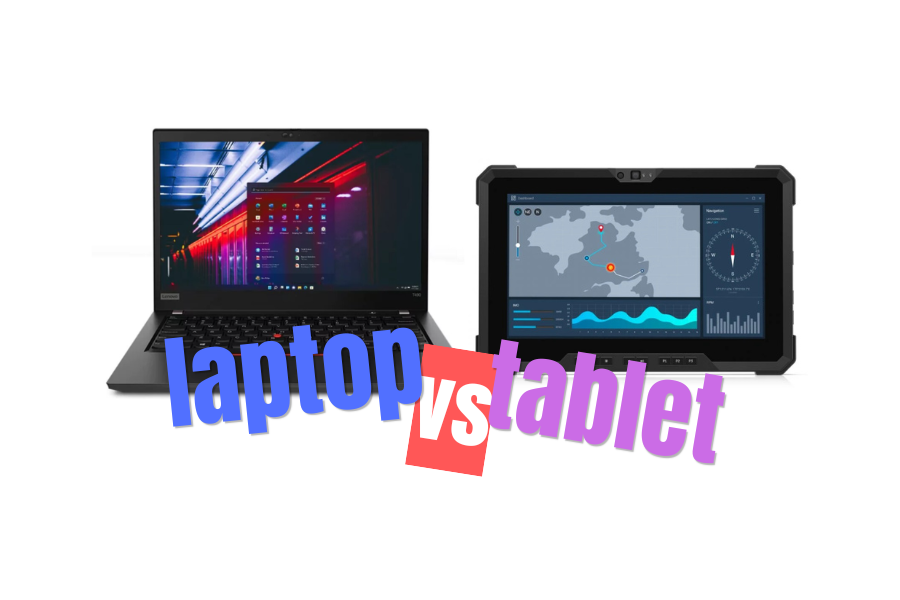
Also, more and more users are adopting a hybrid model: a PC at home for performance and a laptop or tablet for mobility.
Regardless of the choice, it is important to analyze your real needs and invest in a device that will support your daily activities efficiently and without compromise.