The new Firefox offers free VPN and controllable AI features
Mozilla continues to strengthen its position in the web browser market through constant updates and relevant innovations. The latest Firefox version 149 (available starting March 24th) will bring a series of important improvements focused on privacy, offering users more freedom in personalizing their experience and the responsible integration of modern technologies, including artificial intelligence.
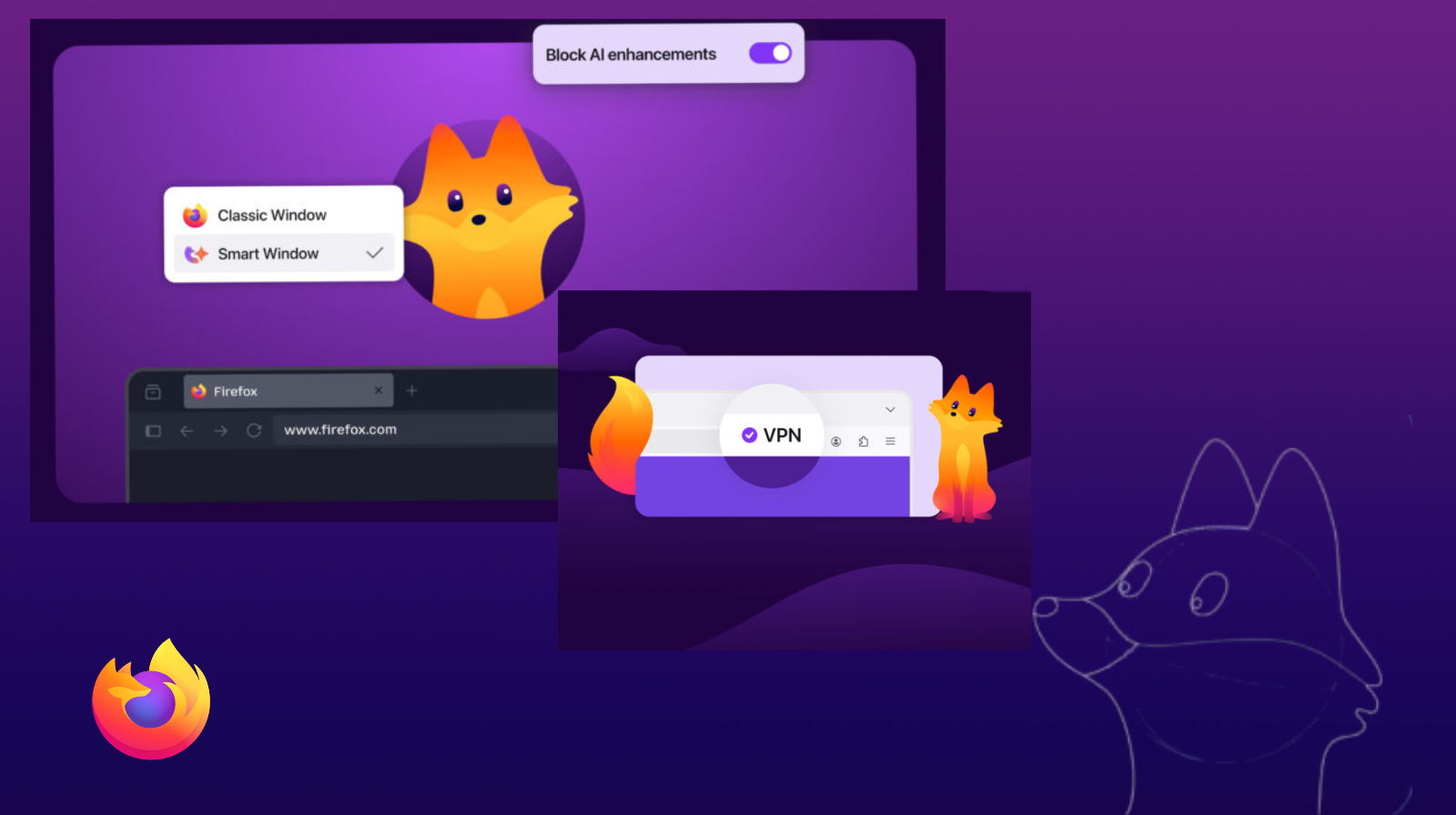
Firefox gives users total control over AI features
One of the most important changes recently introduced in Firefox is the way AI-based features are managed. The browser now offers a clear and transparent system through which users can enable or disable these functionalities according to their preferences.
Among the available AI features are:
- automatic translation of web pages,
- smart tab organization,
- link preview,
- integration of virtual assistants directly into the sidebar.
An essential aspect is the existence of a “global button” that allows complete deactivation of all AI functions. This approach puts the user at the center of decisions and offers a high level of control, rarely found in other modern browsers.
New Firefox brings major improvements in privacy
Firefox remains one of the most appreciated browsers when it comes to data protection. The new updates continue this direction, offering clearer and more flexible options for managing personal information.
Among the improvements are:
- separation of update mechanisms from telemetry,
- the ability to receive updates without sending data to Mozilla,
- advanced options for automatic history deletion,
- improved backup functions for browser data.
These changes are essential in a digital context where privacy is becoming increasingly important for users.
Integrated VPN function for added security
Another important element introduced in the latest Firefox version 149 is the integration of a (free) VPN function directly into the browser. This offers an additional level of data protection, without requiring the installation of external applications.
The VPN in Firefox works by redirecting web traffic through secure servers, masking the real IP address and encrypting the user’s connection. Thus, browsing becomes safer, especially when connecting to public Wi-Fi networks or accessing sensitive sites.

An important aspect to mention is that this function only protects browser traffic, not the entire device. For complete protection, users can opt for the dedicated Mozilla VPN service, which extends security to all applications.
In addition, this integration greatly simplifies VPN use, eliminating complicated configurations and offering a quick and accessible solution directly from the browser interface.
Modern interface and productivity features
Mozilla has also invested significantly in improving the user experience. The browser interface is now more flexible and easier to customize, offering quick access to essential tools.
Among the most useful features recently introduced are:
- a modern, customizable sidebar,
- support for vertical tabs,
- integration of smart tools in the sidebar,
- improvements to the search bar and increased overall stability.
An extremely useful feature for multitasking is Split View, which allows two pages to be displayed simultaneously in the same window. This is ideal for comparisons, research or working simultaneously on multiple sources of information.
The new Firefox also brings important performance optimizations
In addition to visible features, Firefox also comes with important optimizations “under the hood.” The browser now offers better resource utilization performance and improved compatibility with new web standards.
Optimizations have also been made to:
- page loading speed,
- overall stability,
- modern data transfers, including support for the HTTP/3 protocol.
These improvements contribute to a faster and smoother browsing experience, regardless of the type of use.
Improved experience on mobile devices as well
Firefox does not neglect mobile device users either. On Android, the browser benefits from a redesigned interface and additional customization options.
Among the new features are:
- a more intuitive navigation bar,
- the ability to copy link text without opening it,
- a generally smoother and better optimized experience for small screens.
Kit: the new Firefox mascot that brings personality to the browser
In addition to new features and technical improvements, Firefox gets a friendly companion for users: Kit, the browser’s new mascot. Its presence makes the browsing experience friendlier and adds a touch of familiarity as you explore the internet.
This visual update is not just about the mascot: Firefox has benefited from a modernized interface design, with revised themes, icons, and visual elements, including for the toolbar, menus, and start page. The changes were made based on community feedback and make key features easier to access, while maintaining the distinctive look.
Why you should use the new Firefox
Through these updates, Mozilla demonstrates that it can offer a powerful alternative to dominant browsers. The emphasis on transparency, user control, and data protection clearly differentiates Firefox.
In addition, the smart integration of modern features, without imposing them on users, is a major advantage at a time when many applications adopt new technologies without real control options.
Firefox 149 – an excellent balance between innovation and control
The latest version, Firefox 149, brings an excellent balance between innovation and control. With configurable AI features, performance improvements, and a modern interface, the browser becomes an excellent choice for anyone looking for security, speed, and flexibility.
If you want a modern browsing experience, but without compromising on privacy, Firefox remains one of the best options available today.
Source: blog.mozilla.org