10 signs that your PC is about to fail
Your personal computer is an essential tool, whether you use it for work, study, or entertainment. Unfortunately, many hardware or software problems appear gradually, and users ignore them until it’s too late. In this article, you will discover 10 clear signs that your PC is about to break down, so you can take action in time and avoid data loss or high repair costs.
1. Your PC Starts Up Very Slowly
If you notice that your operating system is loading slower and slower, this could be a sign of a worn hard disk, system errors, or programs that consume excessive resources. Slow startup time should not be ignored.
2. Frequent Freezes and Restarts
A PC that frequently freezes, displays blue screens, or restarts by itself indicates serious problems, either with the RAM, the motherboard, or the operating system.
3. Your PC Emits Unusual Noises
Sounds such as buzzing, clicking, or metallic noises often come from the hard disk or faulty fans. These are early warning signs of an imminent failure.
4. Your PC Constantly Overheats
If the PC overheats excessively and the fans run at maximum speed, there may be problems with the thermal paste, ventilation, or dust accumulation. Overheating leads to a shortened lifespan of components.
5. Applications That Close by Themselves
Programs that close without reason can indicate system errors, incompatible drivers, or hardware problems. This behavior often occurs before a major malfunction.
6. Frequent Errors When Saving Files
If you receive error messages when saving documents, it is possible that the storage unit is about to fail. It is recommended to back up immediately.
7. Your PC Has Very Low Overall Performance
A PC that “runs slow” even during simple tasks may have aging components or be infected with malware. A sudden drop in performance is a clear sign that something is not working correctly.
8. Display Problems
A flickering screen, the appearance of lines or dead pixels can indicate problems with the video card or the monitor. These symptoms usually worsen over time.
9. USBs and Peripherals Are No Longer Recognized
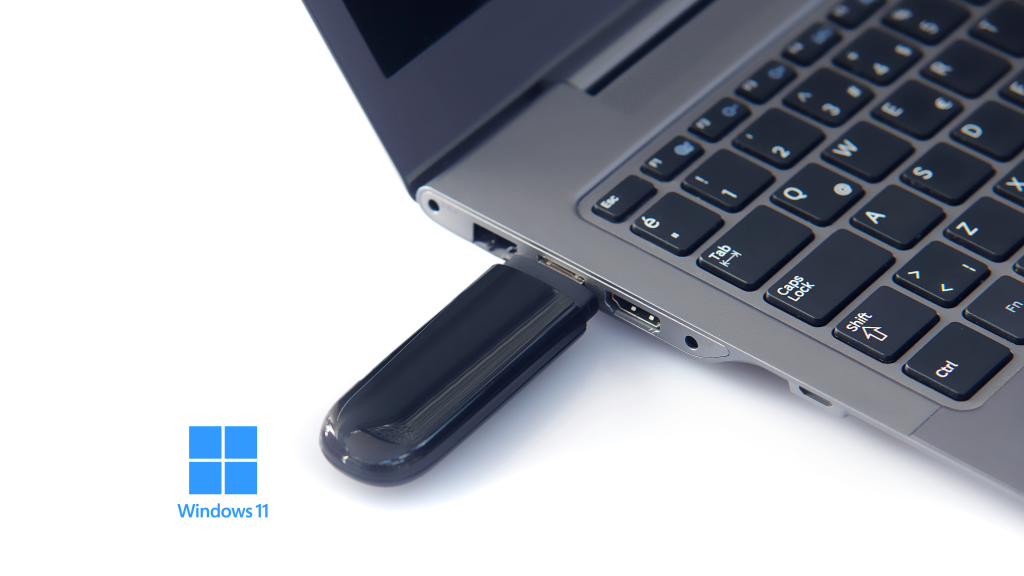
If the mouse, keyboard, or USB sticks no longer work consistently, the problem may be with the USB ports or the motherboard.
10. Burning Smell or Very Hot Components
An unusual smell or extremely hot components are critical signs. In this case, immediately turn off the PC to prevent irreversible damage or even eliminate the risk of fire.
What can you do to prevent your PC from breaking down?
- Periodically clean the inside of your computer; dust accumulates faster than you think
- Monitor component temperatures with specialized software (such as HWiNFO or CPU-Z)
- Update drivers and the operating system
- Regularly back up important data.
Timely identification of signs indicating an imminent PC failure can help you avoid high costs and a lot of stress. If you notice one or more of the symptoms above, act quickly: check the system or call an IT specialist. Prevention is always cheaper than repair.