What is a password manager and how does it work?
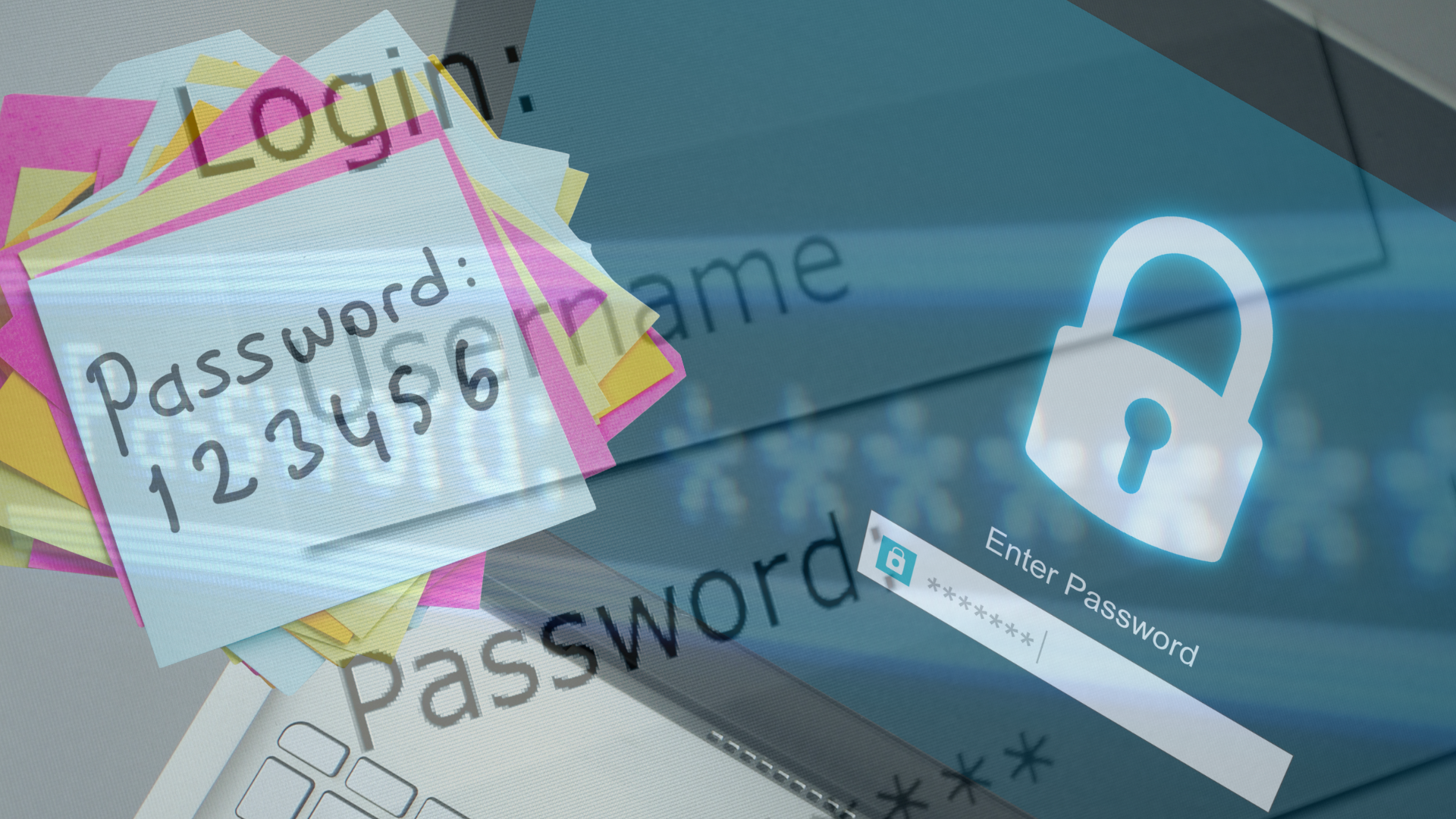
Nowadays, when every internet user has dozens or even hundreds of online accounts, password security has become a critical issue. Using the same password for multiple services or remembering simple passwords poses major risks. This is where the password manager comes in, an essential tool for modern digital security. In this article, you will learn how a password manager works, what technologies it uses, and why it is considered one of the safest methods for managing passwords.
What is a password manager?
A password manager is a software application that stores, generates, and automatically fills in your passwords. Instead of remembering dozens of different combinations, you only need to remember a single master password. The rest of your passwords are saved in a secure “digital vault.”
The basic principle: encryption
The central element that explains how a password manager works is encryption. Most modern managers use advanced encryption algorithms, such as AES-256, the same standard used by financial institutions and governments.
Your passwords are encrypted locally, on your device, before being stored or synced. This means that the data is transformed into a form that is impossible to read without the correct key – your master password.
Master password and the “zero-knowledge” model
The master password is the key that unlocks the password vault. An essential aspect is that serious password manager providers use the zero-knowledge model.
This model assumes that:
- the provider does NOT know your master password;
- your data cannot be decrypted on their servers;
- only you have real access to your passwords.
Even if a password manager’s servers were compromised, attackers would not be able to access the passwords without the master password.
Local storage and synchronization
Password managers work across multiple devices: desktop, laptop, phone, or tablet. After encryption, the data can be:
- stored locally (offline),
- synchronized in the cloud between devices.
It is important to note that synchronization is done only in encrypted form, so neither the service provider nor third parties can read the content.
A password manager automatically generates secure passwords
Another major advantage is the password generator feature. The manager can automatically create passwords:
- long,
- random,
- unique for each account.
This completely eliminates the need to come up with easily guessable passwords or reuse old passwords. From a security standpoint, automatically generated passwords are far superior to those created manually.
Autofill
For a practical experience, password managers include the autofill feature. When you access a site or application:
- the manager recognizes the domain;
- automatically fills in the username and password;
- reduces the risk of phishing, as it does not fill in data on fake sites.
This functionality increases both security and productivity.
Two-factor authentication (2FA)
Most password managers offer support for two-factor authentication (2FA). In addition to the master password, access may require:
- a temporary code,
- an authentication app,
- biometrics (fingerprint, facial recognition).
Thus, even if someone were to find out the master password, unauthorized access would still be blocked.
What other information can be stored?
In addition to passwords, a password manager can save:
- secure notes,
- card details,
- addresses,
- software keys,
- sensitive documents.
All this data is protected by the same encryption mechanism.
Is it safe to use a password manager?
Contrary to popular belief, using a password manager is much safer than manually managing passwords. Centralizing passwords in an encrypted vault drastically reduces the risk of attacks, password reuse, and human errors.
Understanding how a password manager works clearly shows why it has become an indispensable tool. Through strong encryption, a zero-knowledge model, automatic password generation, and multi-factor authentication, the password manager offers a level of security that is hard to achieve through traditional methods.
Whether you are an ordinary user or an IT professional, a password manager represents an essential step towards a safer digital life.