A Strong Password: Myths and Modern Solutions
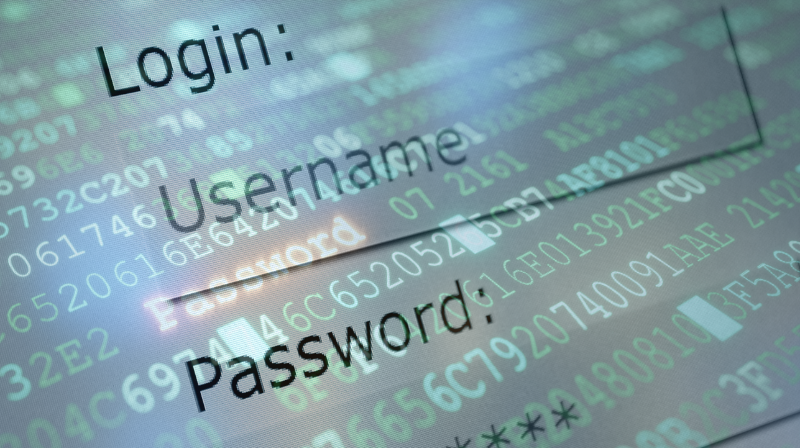
In a world where our lives are increasingly digitized, the password has become the access key to our online identity. Bank accounts, social networks, work platforms, email – all are protected by a simple string of characters. But how secure is this system? Surprisingly, many password habits are based on outdated myths that can expose us to cyber risks.
In this article, we analyze the most common password myths and present modern security solutions recommended by IT specialists.
Myth 1: “If I have a long password, I’m protected.”
Password length is important, but not enough. A password like 12345670910 is long, but extremely easy to crack. Brute-force attacks can test millions of combinations per second.
Modern solution:
- Create complex passwords, with uppercase, lowercase letters, numbers, and symbols.
- Use long random phrases, for example: thesun!red-IWoKeUp2024
Myth 2: “The ideal password needs to be changed often.”
For a long time, it was recommended to change passwords every 30 days. However, recent studies show that people only change 1-2 characters or write down new passwords in insecure places.
Modern solution:
- Change your password only if there is a security risk or breach.
- Use two-factor authentication (2FA) for additional protection.
- Check if your password has been compromised on sites like haveibeenpwned.com.
Myth 3: “I can remember all my passwords.”
Many users use the same password everywhere or similar variations. If a single site is compromised, all other accounts become vulnerable.
Modern solution:
- Use a password manager (Bitwarden, 1Password, LastPass).
- One master password – hundreds of unique, complex, and secure passwords.
- You no longer need to memorize anything!
Myth 4: “2FA is useless – my password is enough.”
False. Two-factor authentication (2FA) is one of the most effective protection methods. Even if the password is stolen, the attacker cannot access the account without the secondary code.
Modern 2FA methods:
- Apps like Google Authenticator or Authy
- SMS codes (less secure, but better than nothing)
- Physical token (YubiKey, Feitian security key)
Myth 5: “Complicated passwords are hard to generate.”
There’s no need to invent passwords yourself. There are automatic secure password generators, even integrated into browsers or password managers.
Modern solution:
- Use the password generator in Chrome, Firefox, or Edge.
- Create passwords of at least 14 characters, with symbols and numbers.
- Automatically generated example: A3#yF5^jPL78l!wR
How to check if your password is secure?
There are online tools that analyze password strength:
Another essential step is to check if your password has already been compromised in a cyber attack. The website haveibeenpwned.com is one of the most widely used resources for this purpose.
Conclusion: the future is… passwordless
Modern security is moving towards passwordless systems, such as biometric authentication (fingerprint, facial recognition) or hardware keys. Companies like Microsoft and Google are already testing such solutions on a large scale.
Until then, passwords remain necessary, but must be used intelligently:
- Use unique passwords for each account
- Enable 2FA whenever possible
- Use a password manager
- Periodically check if passwords have been compromised
Password security starts with a simple step: abandon myths and adopt modern solutions. Your data deserves real protection, not just the illusion of security.